
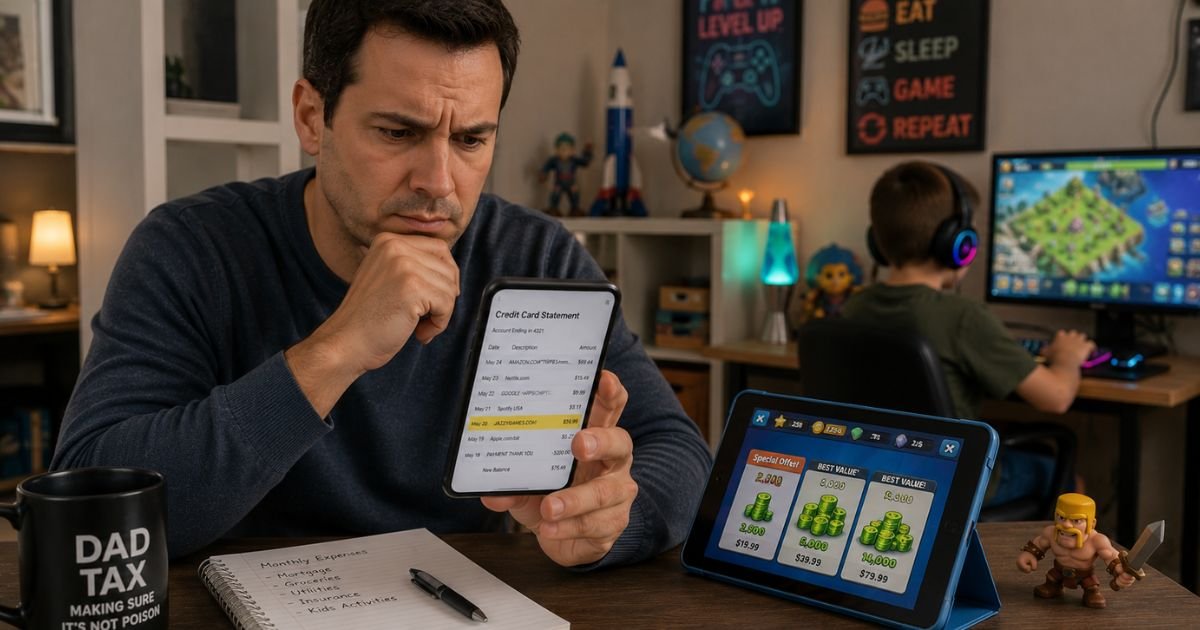
If you noticed a charge labeled “Stillfront Hamburg,” “Stillfront Germany,” or a similar name on your credit card statement, it can feel surprising. Many people do not immediately connect the name to a game purchase.
This article explains what the charge means, why it appears, and the steps to verify or resolve it.
Table of Contents
What Is the Stillfront Hamburg Charge?
Stillfront Germany GmbH is part of the Stillfront Group, a global video game company. The Hamburg location handles development and publishing of online and mobile games.
Charges on credit card statement represent payments for virtual goods, in-app purchases, premium features, or subscriptions within those games.
Billing descriptors often appear as Stillfront Hamburg, Stillfront Germany GmbH, or simply Stillfront because of how the payment processor lists the transaction.
These charges are common in mobile games where players buy coins, gems, battle passes, or other digital items.
The charge is almost always tied to actual gameplay activity rather than a random or fraudulent transaction.
Why Did This Charge Appear on Your Credit Card?
Several straightforward reasons explain the Stillfront Hamburg charge:
- You or a household member made an in-app purchase while playing one of Stillfront’s mobile or online games.
- A subscription or recurring feature (such as a monthly battle pass or VIP membership) renewed automatically.
- A child or teenager in the household used the saved card to buy virtual items without realizing the cost.
- The charge is for a one-time purchase of game currency or special items.
- An authorization hold or processing delay caused the charge to appear later than the actual purchase.
These charges are typically one-time or recurring depending on the type of purchase.
Family members, especially younger players, sometimes make multiple small purchases that add up on the statement.
How to Verify the Charge
Use this checklist to confirm the source:
- Check your mobile device or computer for any Stillfront-published games and review recent in-app purchase history.
- Open your Google Play or Apple App Store purchase history and look for transactions around the charge date.
- Search your email for receipts from the game, Stillfront, or app store notifications about purchases.
- Ask other household members, especially children or teens, if they made any in-game purchases recently.
- Look at the exact amount and match it to typical in-game item prices (often small amounts like a few dollars).
- If nothing matches, contact your credit card issuer for more merchant details.
Most people identify the game and purchase quickly once they check app store history and talk with family members.
Is It Legitimate or Fraud?
The Stillfront Hamburg charge is legitimate in the large majority of cases. It reflects real spending on virtual items or subscriptions in games developed or published by Stillfront Germany GmbH.
Common legitimate scenarios include a family member enjoying a game and buying optional content, or a recurring subscription the player signed up for during gameplay.
Warning signs of potential problems include no record of any Stillfront game on any household device, charges that continue after gameplay stopped, or amounts that seem unusually high. If these apply, investigate or dispute the charge promptly.
How to Cancel
If the charge comes from a recurring subscription or auto-renewing feature inside a Stillfront game:
- Open the game and go to account or settings to cancel any active subscriptions or memberships.
- On iOS, go to Settings > Apple ID > Subscriptions and cancel there.
- On Android, open the Google Play Store > Profile > Payments & subscriptions > Subscriptions and cancel.
- If you cannot find the option inside the game or app store, contact Stillfront support through their website or the game’s help section.
Stillfront Germany GmbH has a published cancellation policy. Keep records of your cancellation request and any confirmation you receive.
Can You Get a Refund?
Refund chances are highest for recent purchases, especially if they were made by a minor without permission or if there was a clear error.
Start by requesting a refund through the app store (Google Play or Apple) where the purchase was made, as they often handle in-app purchase disputes.
You can also contact Stillfront support directly with the charge details.
If the merchant or app store cannot help, dispute the charge with your credit card issuer. Credit cards provide consumer protections for unauthorized or disputed recurring charges.
Act within the standard timeframe and provide evidence such as app store history or communications with support.
What to Do If the Charge Is Unauthorized
If you determine the Stillfront Hamburg charge was not made by you or anyone authorized on the account:
- Contact your credit card issuer immediately to dispute the charge and request they block future transactions from this merchant.
- Ask about receiving a new card number if you suspect the card details were used without permission.
- Check all devices for Stillfront games and remove payment methods or restrict purchases.
- Monitor your statements and online banking closely for additional unfamiliar activity.
- Consider parental controls or spending limits on gaming devices if children are involved.
- Keep detailed records of every step for your dispute.
Quick action helps limit liability and stops further charges.
Prevention Tips
Avoid surprise in-game charges like the Stillfront Hamburg charge with these habits:
- Turn on real-time transaction alerts so every purchase notifies you immediately.
- Review credit card statements weekly, especially after children or teens have used devices.
- Use a virtual card number or dedicated card with spending limits for gaming and entertainment.
- Set up parental controls and purchase approvals on mobile devices and gaming accounts.
- Talk openly with household members about in-app purchases and their costs.
- Regularly check app store subscription lists and cancel anything unused.
- Avoid saving card details on devices that multiple people can access.
- Review game settings for auto-renewing features before starting gameplay.
- Cancel any trial or introductory offers immediately if you decide not to continue.
Common Billing Descriptor Variations
| Billing Descriptor | Typical Meaning |
|---|---|
| Stillfront Hamburg | In-game purchase or subscription from Stillfront Germany GmbH |
| Stillfront Germany GmbH | Same company under full legal name |
| Stillfront | Shortened descriptor for games published by the group |
FAQs: Stillfront Hamburg Charge on Credit Card
Q. What does the Stillfront Hamburg charge mean on my credit card statement?
A. It usually represents payment for in-game purchases, virtual items, or a subscription in a mobile or online game published by Stillfront Germany GmbH in Hamburg.
Q. How do I cancel a Stillfront subscription or recurring charge?
A. Cancel inside the game settings if possible, or through your device’s app store subscriptions (Google Play or Apple). Contact Stillfront support if you cannot find the option.
Q. Can I get a refund for a Stillfront Hamburg charge?
A. Yes in many cases, especially for recent purchases or those made by minors. Request a refund through the app store first, then through Stillfront support if needed. Dispute with your card issuer if unsuccessful.
Q. Is the Stillfront Hamburg charge legitimate or a scam?
A. It is legitimate when it matches actual gameplay and purchases in a Stillfront-published game. Many families see these charges from children playing mobile games.
Conclusion
The Stillfront Hamburg charge on credit card is typically a legitimate payment for in-game content or a subscription in a game from Stillfront Germany GmbH.
Checking app store purchase history and talking with household members usually identifies the source right away.
Cancel recurring features through the game or app store, and request refunds for recent or unauthorized purchases.
Using transaction alerts and parental controls helps prevent these charges from becoming surprises.
If a charge does not match any activity you recognize, dispute it promptly with your credit card issuer.
Disclaimer: This article provides general information for educational purposes only and is not financial, legal, or professional advice. Game publisher policies and in-app purchase rules can change. Always verify details through your app store account, the game itself, or with your credit card issuer for your specific situation. For disputes or account issues, contact your financial institution promptly.
Meet the Author
