
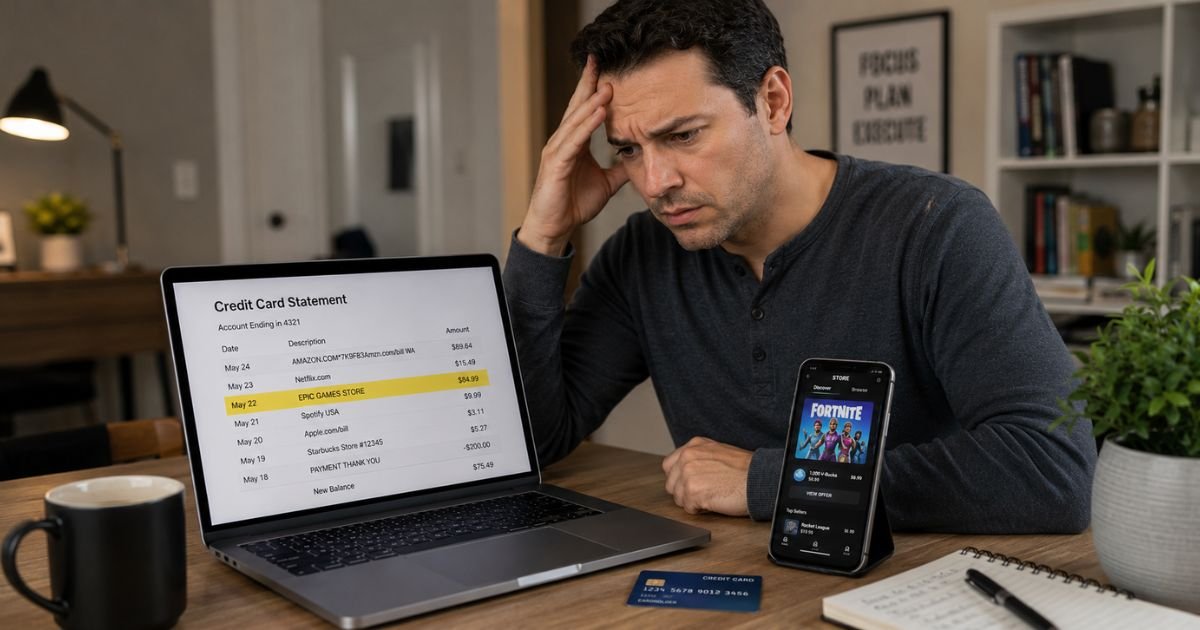
If you noticed a “Play Perfect Inc,” “PLAY PERFECT INC,” or similar charge on credit card statement, it is natural to want answers quickly.
These charges often appear without an obvious connection to a recent purchase. This article explains what the charge likely means, why it appears, and the steps to verify or resolve it.
Table of Contents
What Is the Play Perfect Inc Charge?
Play Perfect Inc appears to serve as the billing name or company behind certain online gaming or casino services.
One example is Play Perfect Money Games, which markets itself as an online casino with no signup required and instant cashouts.
The charge on your statement usually represents a deposit, purchase of game credits, subscription to premium features, or in-app transaction made through their platform.
Billing descriptors often show as Play Perfect Inc, PLAY PERFECT INC, or slight variations that include the company name.
Because many gaming sites use abbreviated or legal entity names on statements, the charge can look unfamiliar even when it stems from activity on the site.
Why Did This Charge Appear on Your Credit Card?
Several reasons commonly explain the Play Perfect Inc charge:
- You or a household member made a deposit or purchased game credits on an online gaming or casino platform linked to Play Perfect Inc.
- A free trial or promotional offer converted into a paid recurring charge.
- Someone used your saved card details on a shared device or account to play games or make transactions.
- The charge is a one-time purchase processed through their payment system.
- An authorization hold or duplicate billing occurred during a transaction.
These charges are frequently one-time or recurring depending on whether the user made a deposit or enrolled in a subscription or membership feature.
Family members, especially younger users, sometimes place charges without the primary cardholder realizing it right away.
How to Verify the Charge
Follow this checklist to determine if the charge is yours:
- Search your email inbox and spam folder for messages from Play Perfect, Play Perfect Money Games, or any gaming site containing words like deposit, purchase, or subscription.
- Check your browser history for visits to gaming or casino websites around the date of the charge.
- Review Google Play, Apple App Store, or other app store order history if the charge might relate to a mobile game.
- Ask other authorized users or household members if they played games or made any online gaming transactions.
- Look at the exact amount and date on your statement and try to match it to any gaming activity you recall.
- Log into your credit card account for any additional merchant details or contact information tied to the transaction.
If nothing matches, treat the charge as potentially unauthorized and move to the next steps.
Is It Legitimate or Fraud?
The Play Perfect Inc charge is often legitimate when it reflects actual activity on a gaming or casino platform. Many users make deposits or purchases on these sites and later forget the exact billing name.
Common legitimate scenarios include a family member using the card for online games or a user starting a trial that converted to paid billing.
Warning signs include no recollection of any gaming activity, charges that continue after you believe you stopped using the site, or multiple unknown transactions from similar-sounding merchants.
If these apply, contact your credit card issuer while you investigate further.
How to Cancel
If the charge comes from a recurring subscription or membership on a Play Perfect platform, cancel directly through the account:
- Visit the gaming or casino site associated with the charge and log in using the email tied to the transaction.
- Look for account settings, subscription, or billing sections and follow the prompts to cancel or turn off auto-renewal.
- Take screenshots of every step and save any confirmation emails.
If you cannot locate or access the account, contact your credit card issuer immediately.
Request they place a stop on future recurring charges from this merchant. Provide the exact charge details from your statement.
Can You Get a Refund?
Refund options depend on the merchant’s policy and the nature of the transaction. Gaming and casino sites often have strict no-refund policies for deposits or game credits once used.
Start by requesting a refund or charge reversal through any account you can access on the site. If they agree, obtain written confirmation.
If the merchant refuses or you cannot reach them, dispute the charge with your credit card issuer.
Credit cards offer consumer protections, and you can dispute unauthorized or recurring charges you no longer want.
Act within 60 days of the statement date for the strongest position.
Note that some issuers treat gambling-related transactions differently, so provide clear details about why you are disputing.
What to Do If the Charge Is Unauthorized
If you confirm the Play Perfect Inc charge was not made by you or anyone authorized on your account, take these steps:
- Contact your credit card issuer right away to dispute the charge and request they block future transactions from this merchant.
- Ask about receiving a new card number if you suspect your card details were used without permission.
- Search for and attempt to close any related gaming accounts if they exist.
- Monitor your statements and online banking daily for additional unfamiliar activity.
- Consider placing a fraud alert with the major credit bureaus if broader concerns exist.
- Keep detailed records of every communication and confirmation for your records.
Acting quickly helps limit liability in most cases.
Prevention Tips
Avoid future surprise charges from merchants like Play Perfect Inc with these habits:
- Turn on real-time transaction alerts so every charge notifies you immediately.
- Review credit card statements at least once a week, especially small or recurring amounts.
- Use virtual card numbers or a dedicated card for any online gaming, entertainment, or trial signups.
- Check app store subscriptions and gaming site accounts regularly for active billing.
- Talk with household members about using shared cards for online games or purchases.
- Read the full terms before starting any free trial or depositing on gaming platforms.
- Avoid saving card details on shared devices or accounts others can access.
- Cancel any trial or subscription as soon as you decide you no longer need it.
- Be cautious with sites that advertise “no signup” or instant-play features, as they still require payment details for deposits or purchases.
Common Billing Descriptor Variations
| Billing Descriptor | Typical Meaning |
|---|---|
| Play Perfect Inc | Charge from online gaming or casino platform |
| PLAY PERFECT INC | Same merchant under capitalized billing format |
| Play Perfect Money Games | Consumer-facing name for certain gaming sites |
FAQs: Play Perfect Inc Charge on Credit Card
Q. What does the Play Perfect Inc charge mean on my credit card statement?
A. It usually represents a deposit, game credit purchase, or subscription fee from an online gaming or casino platform associated with Play Perfect Inc, such as Play Perfect Money Games sites.
Q. How do I cancel a Play Perfect Inc subscription or recurring charge?
A. Log into any account on the related gaming site and cancel through the subscription or billing settings. If you cannot access the account, contact your credit card issuer to stop future recurring charges.
Q. Can I get a refund for a Play Perfect Inc charge?
A. Refunds depend on the site’s policy. Request one directly through any account you can access. If unsuccessful, dispute the charge with your credit card issuer, especially if it was unauthorized or recurring after cancellation attempts.
Q. Is the Play Perfect Inc charge legitimate or a scam?
A. It is often legitimate when it matches actual gaming or casino activity. However, some users report surprise recurring charges or difficulty canceling. Always verify the charge against your activity and household use.
Conclusion
The Play Perfect Inc charge on credit card is most often linked to activity on an online gaming or casino platform.
Checking your email, browser history, and household activity usually reveals the source quickly.
Cancel any active subscription through the account when possible, and work with your credit card issuer if you need to stop recurring billing or dispute a charge.
Using transaction alerts and reviewing subscriptions regularly helps catch these charges early and prevents future surprises.
Disclaimer: This article provides general information for educational purposes only and is not financial, legal, or professional advice. Merchant policies for gaming and casino transactions can vary and may include restrictions on refunds or disputes. Always verify details directly with the merchant through their website or with your credit card issuer for your specific situation. For disputes or account issues, contact your financial institution promptly.
Meet the Author
