
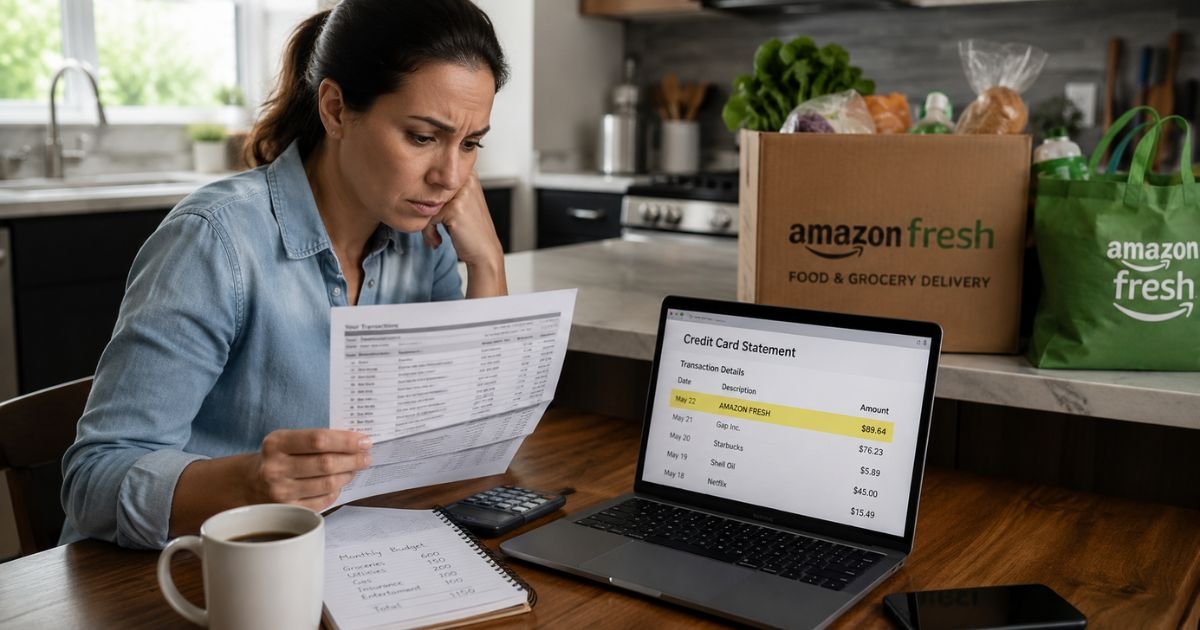
If you opened your credit card statement and saw an unfamiliar “Amazon Tips” or “AMZN Tips” charge, it is natural to feel concerned.
These small charges often catch people off guard because they do not always match a recent order total. In most cases the charge is legitimate, but you should still verify it quickly.
This article explains exactly what the Amazon Tips charge on credit card means, why it appears, how to confirm it belongs to you, and what steps to take if something looks wrong.
Table of Contents
What Is the Amazon Tips Charge?
The Amazon Tips charge is a gratuity added for a delivery driver who brought groceries from Amazon Fresh or Whole Foods Market.
Amazon processes the tip separately from the main order total, which is why it shows up as its own line item on your statement.
The most common billing descriptor is AMZN Tips followed by a reference code, such as AMZN Tips*JK29GH3. You may also see slight variations like AMAZON TIPS or AMZN TIPS US.
These all point to the same thing: a customer-chosen tip for the person who delivered the order.
The full tip amount goes directly to the driver. Amazon does not keep any portion of it.
Why Did This Charge Appear on Your Credit Card?
Several straightforward reasons explain why the Amazon Tips charge shows up:
- You chose to add a tip at checkout when placing an Amazon Fresh or Whole Foods grocery order.
- You edited the tip amount in the app or on the website within 24 hours after delivery.
- Someone else on a shared Amazon Household account or family profile used your saved card and added a tip.
- The charge posted one or two days after the actual delivery due to normal processing times.
This is almost always a one-time charge tied to a specific grocery delivery. It is not a subscription, recurring fee, or automatic renewal.
How to Verify the Charge
Use this simple checklist to confirm whether the charge is yours:
- Sign in to your Amazon account on the website or in the mobile app.
- Go to Your Orders and filter by the date range that matches the charge.
- Look for any orders labeled Amazon Fresh or Whole Foods Market.
- Open the order details and check the delivery or feedback section for a recorded tip.
- Search your email for Amazon messages about the delivery or a prompt to rate the driver and leave a tip.
- If you still cannot match it, open the Help section in your Amazon account and start a chat. Give them the exact date and amount of the charge.
Most people find the matching order within a few minutes using these steps.
Is It Legitimate or Fraud?
In the large majority of cases the Amazon Tips charge is legitimate. It simply means you or someone authorized on your account added a tip for a grocery delivery driver.
Common legitimate situations include forgetting you tipped during a busy checkout or a spouse or teenager placing an order with your saved card.
Be alert for these warning signs:
- No recent Amazon Fresh or Whole Foods orders in your history.
- The tip amount feels much higher than typical or does not match any order you remember.
- Several small unknown Amazon charges appear around the same time.
- You have not ordered groceries through Amazon in a long time.
If anything feels off, start with Amazon support. If they cannot explain the charge, contact your credit card issuer immediately to dispute it.
How to Cancel or Adjust an Amazon Tips Charge
Amazon lets customers edit the tip amount up to 24 hours after delivery in most cases. Once the charge has fully posted, it is harder to change, but it is still worth asking.
Contact Amazon customer service right away through the Help chat in your account or by calling 1-888-280-4331. Explain that you want to review or adjust a recent tip. Have the charge date and amount ready.
Many customers resolve these requests quickly when they reach out soon after noticing the charge.
Can You Get a Refund for the Amazon Tips Charge?
Refund chances are highest when the tip is recent and still within the edit window. Amazon may adjust or refund the charge if there was a clear mistake.
If Amazon declines or the charge looks unauthorized, you have strong protections as a credit card user. You can dispute the charge with your card issuer, usually within 60 days of the statement date.
Provide screenshots of your order history and any communication with Amazon. Debit card users should check their card agreement and act quickly as well.
What to Do If the Charge Is Unauthorized
If you are certain the Amazon Tips charge was not made by you or anyone you authorized, follow these steps in order:
- Log into your Amazon account and review every recent order plus all saved payment methods.
- Contact Amazon support immediately through chat or phone to report the unauthorized charge and request a full investigation and refund.
- Change your Amazon password and turn on two-factor authentication.
- Call your credit card issuer, dispute the charge, and ask about a new card number if fraud is suspected.
- Watch your statements and online banking closely for any other unfamiliar activity over the next few weeks.
- Consider placing a credit freeze if broader concerns exist.
Quick action keeps your liability low in almost every case.
Prevention Tips
Small charges like the Amazon Tips charge on credit card statements are easy to avoid with a few consistent habits:
- Review the tip option carefully before you complete any Amazon Fresh or Whole Foods checkout.
- Read your order confirmation email the same day you place a grocery delivery order.
- Turn on real-time transaction alerts in your credit card app or online banking.
- Check your full Amazon order history at least once a month.
- Use a virtual card number or a dedicated card just for online and grocery purchases.
- Regularly review shared Amazon Household profiles and remove old saved cards.
- Keep the Amazon app and website closed on shared family devices when not in use.
- Enable any purchase approval or notification features your card offers.
- Use a strong, unique password for your Amazon account and never share login details.
- Address any unfamiliar activity the same day instead of waiting for the monthly statement.
Common Amazon Charge Descriptors
Here is a quick reference table for popular Amazon billing names you might see:
| Billing Descriptor | Typical Meaning |
|---|---|
| AMZN Tips | Tip for Amazon Fresh or Whole Foods delivery driver |
| AMAZON.COM / AMZN.COM | Standard Amazon retail purchase |
| AMZN MKTP | Purchase from a third-party seller fulfilled by Amazon |
| AMAZON RETA* | Batched or combined orders |
| AMZN Prime | Amazon Prime membership or digital service |
FAQs: Amazon Tips Charge on Credit Card
Q. What does the AMZN Tips charge mean on my credit card statement?
A. It means a tip was added for the driver who delivered groceries from Amazon Fresh or Whole Foods using your account. The entire tip goes to the driver.
Q. How do I match the Amazon Tips charge to a specific delivery?
A. Check Your Orders in your Amazon account for recent Fresh or Whole Foods deliveries near the charge date. Look in the order details or delivery feedback section for the tip record. Amazon support can also trace it using the exact amount and date.
Q. Can I get a refund if I did not authorize the Amazon Tips charge?
A. Yes. Contact Amazon first through your account Help section to report it and request a refund. If they cannot resolve it, dispute the charge with your credit card issuer. Most issuers handle these disputes smoothly when you provide order history details.
Q. Is the Amazon Tips charge part of a subscription or recurring billing?
A. No. It is a one-time charge connected to one specific grocery delivery. It will not repeat unless you place another order and add a tip again.
Conclusion
The Amazon Tips charge on credit card almost always comes from a legitimate tip added for an Amazon Fresh or Whole Foods delivery driver. Checking your order history and reaching out to Amazon support usually clears up any confusion quickly.
If the charge does not match any activity in your account, treat it seriously and work with both Amazon and your card issuer.
Simple habits like transaction alerts and monthly order reviews will help you spot these charges early and avoid future surprises.
Disclaimer: This article is for informational purposes only and is not financial, legal, or professional advice. Amazon policies and credit card dispute rules can change. Always verify current details directly with Amazon through your account and with your credit card issuer for any specific situation.
Meet the Author
