
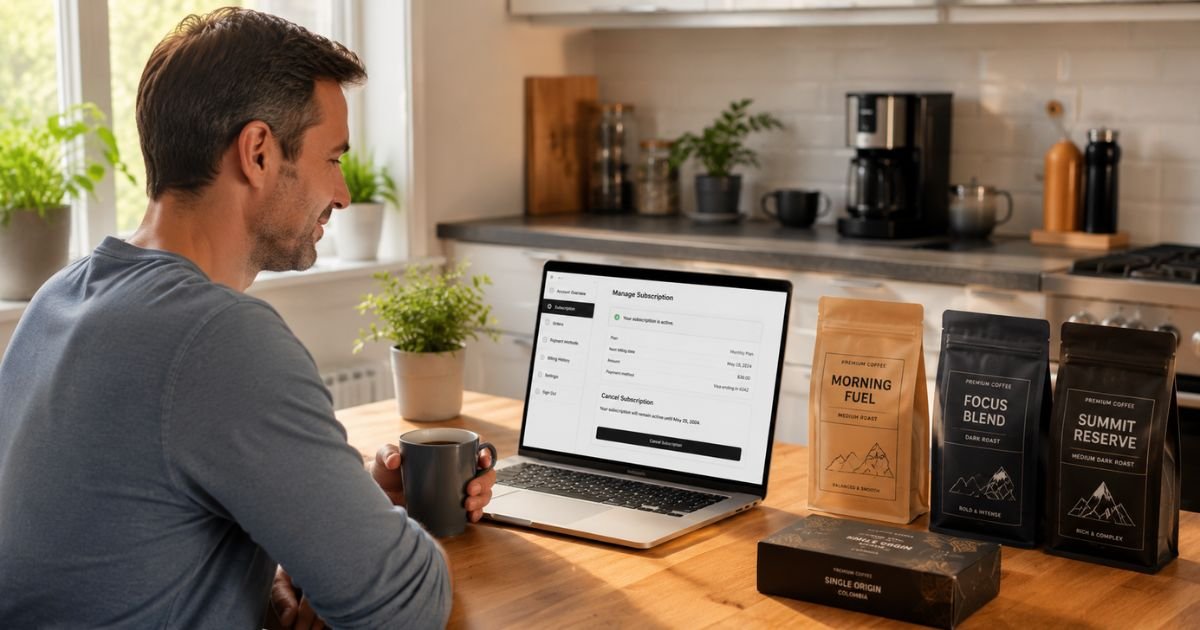
Atlas Coffee Club delivers single-origin coffee from around the world on a recurring schedule. Many people enjoy discovering new beans each month, but subscriptions can become inconvenient when your coffee needs change, you travel often, or you simply want to pause spending.
If you’re searching for how to cancel Atlas Coffee subscription, the good news is that Atlas Coffee Club allows cancellation at any time through your online account.
This guide gives you the exact official steps, explains what happens after you cancel, covers refund possibilities, and shares practical tips so your cancellation goes smoothly.
Table of Contents
Quick Answer
To cancel your Atlas Coffee subscription, log into your account at atlascoffeeclub.com, go to Account Info, click Coffee Membership Settings, and follow the prompts under Stop Subscription.
You can also email support@atlascoffeeclub.com or call 512-522-1337 for assistance. Cancellation stops future recurring shipments and charges, but any already confirmed orders will still ship. Coffee is generally non-refundable.
What Is Atlas Coffee Club?
Atlas Coffee Club is a subscription service that sends freshly roasted single-origin coffee from different countries each month (or at your chosen frequency).
You can customize bag size, grind, and how often you receive shipments. Many subscribers start with an introductory offer like 50% off the first bag.
While the service is popular for convenience and quality, some people eventually want to cancel because:
- They have too much coffee accumulating
- They found a better local option
- They’re traveling or moving
- They want to reduce monthly expenses
- They received a gift subscription they no longer need
How to Cancel Atlas Coffee Subscription
Atlas Coffee Club provides a self-service option in your customer account. Follow these steps exactly:
- Go to the Atlas Coffee Club website and log in to your account.
Direct link: https://atlascoffeeclub.com/account/login - Once logged in, scroll down to the bottom of the page.
- Click Account Info.
- On the Account Info page, look for and click Coffee Membership Settings (usually located at the bottom right or under Billing Details).
- Under the membership settings, find and follow the prompts labeled Stop Subscription.
- Complete the cancellation process by confirming your choice.
After you finish, you should see a confirmation that your subscription has been stopped.
Pro tip: Take a screenshot of the confirmation screen and save it. Some customers have reported that the cancellation didn’t fully process on the first try, so having proof helps when contacting support.
If You Can’t Cancel Online
Email Atlas Coffee Club support at support@atlascoffeeclub.com and clearly state that you want to cancel your subscription.
Include your account email and order details. You can also call them at 512-522-1337.
For gift subscriptions, email support, the process may be slightly different.
What Happens After You Cancel
Here’s what to expect:
- Future shipments stop. You will not receive any new coffee bags after cancellation takes effect.
- Already confirmed orders still ship. Atlas states they cannot cancel orders that were already processed before your cancellation request.
- No more recurring charges. Billing stops for future deliveries.
- Your account stays active. You can still log in to view past orders or re-subscribe later if you want.
- 48-hour notice preferred. While you can cancel anytime, giving at least 48 hours’ notice helps avoid processing an unwanted upcoming shipment.
Common Problems When Canceling Atlas Coffee
Some customers have shared frustrating experiences online:
- The “Stop Subscription” option is hard to find or missing.
- Cancellation appears successful but a shipment still arrives later.
- Support takes time to respond.
How to Avoid These Issues
- Use the exact steps above and double-check that you completed the full process.
- Request written confirmation by email after canceling online.
- Cancel well before your next expected shipment date (ideally 48+ hours in advance).
- If anything feels off, follow up immediately with support and reference your cancellation confirmation.
Refund Policy Explained
Atlas Coffee Club’s policy is straightforward but strict:
- Coffee is non-refundable in most cases.
- You can cancel future shipments, but you generally won’t receive refunds for bags already shipped or charged.
- There is a limited Atlas+ 30-Day Money-Back Guarantee for first-time Atlas+ purchases. You must request it within 30 days of delivery, return the product (you pay return shipping), and meet several conditions (only one opened bag, include all welcome kit items, etc.). Many people find this process more complicated than advertised.
- Refunds, when approved, go back to your original payment method and can take 10+ business days.
If you believe you qualify for a refund (billing error, damaged product, or the Atlas+ guarantee), email support@atlascoffeeclub.com with your order number and details right away.
Can You Skip a Shipment Instead of Canceling?
Atlas Coffee Club sometimes allows you to skip or pause individual shipments through your account settings without fully canceling.
This is useful if you just need a temporary break (travel, vacation, or you already have enough coffee).
Check your Coffee Membership Settings for a “Skip” or “Pause” option before going straight to full cancellation. Many people prefer this flexible approach.
Tips for a Smooth Cancellation
- Cancel during business hours so you can follow up with support the same day if needed.
- Keep records of every email and confirmation.
- If you’re canceling because of a specific issue (late shipments, quality concerns), mention it politely, support may offer a one-time courtesy.
- Consider whether a smaller bag size or less frequent delivery would solve your problem instead of full cancellation.
- Re-subscribing later is easy if you change your mind.
Good Alternatives to Atlas Coffee Club
If you’re canceling mainly due to cost, frequency, or wanting more control, here are popular options:
| Alternative | Best For | Price Range | Notes |
|---|---|---|---|
| Trade Coffee | High-quality single-origin | Similar or higher | Excellent curation, easy to pause |
| Local roaster subscription | Freshness and supporting small businesses | Varies | Often more flexible and personal |
| Buy in bulk from good roasters | Cost savings and control | Lower per bag | Requires planning but saves money long-term |
| Other clubs (e.g. Atlas competitors) | Variety and discovery | Check current deals | Compare intro offers and skip policies |
Many former Atlas subscribers switch to Trade Coffee or build relationships with local roasters for better flexibility.
FAQs: How to Cancel Atlas Coffee Subscription
Q. Will I still get charged after I cancel my Atlas Coffee subscription?
A. No. Once cancellation is processed, recurring billing stops. However, any orders already confirmed before cancellation will still be charged and shipped.
Q. Can I get a refund if I cancel?
A. Usually not. Coffee is non-refundable. The only notable exception is the limited Atlas+ 30-Day Money-Back Guarantee for eligible first-time purchases, which has strict return requirements.
Q. What if I cancel but still receive a bag?
A. Contact support immediately with your cancellation confirmation. They may be able to help, though they cannot always stop already-processed orders.
Q. How do I cancel a gift subscription?
A. Email support@atlascoffeeclub.com. The recipient or purchaser should reach out with the gift details for assistance.
Conclusion
Canceling your Atlas Coffee subscription is straightforward once you know where to look in your account.
Log in, go to Account Info → Coffee Membership Settings → Stop Subscription, and confirm the change. Take a screenshot and consider emailing support for written confirmation to avoid any mix-ups.
You won’t lose access to your account, and you can always restart the subscription later if your coffee needs change again.
Just remember that already-processed orders will still ship and that coffee itself is generally non-refundable.
If the online process gives you any trouble, use the phone number or email support right away. Acting early and keeping records is the best way to make sure everything stops cleanly.
This guide is based on Atlas Coffee Club’s official help documentation and terms as of July 2026. Subscription processes and policies can change, so always verify the latest steps directly in your account or by contacting their support team.
Meet the Author
