
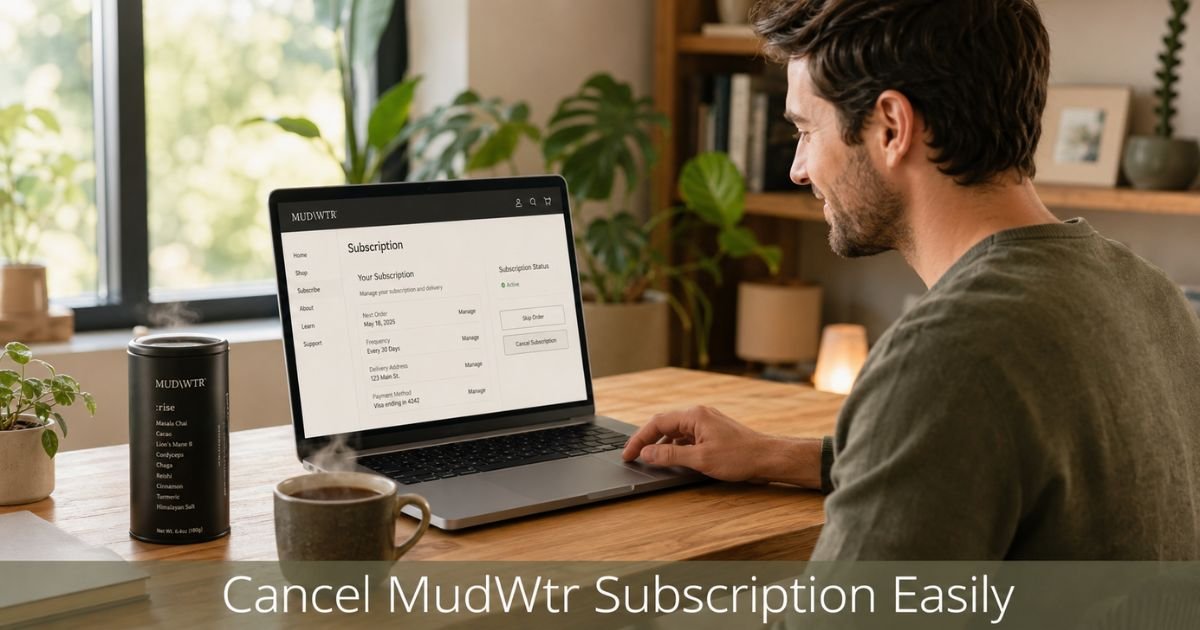
Ready to stop your MUD\WTR subscription? Many people sign up for the mushroom-based drink alternative, enjoy trying it, then decide the recurring deliveries no longer fit their routine or budget. Canceling is straightforward when you follow the official steps.
You’ll learn exactly how to cancel Mud Water subscription through your account, what to expect after you cancel, and how to handle refunds if you qualify.
Table of Contents
Why Canceling Your Mud Water Subscription Matters
Recurring subscriptions can add up quietly. If you no longer reach for your MUD\WTR blend or simply want to cut expenses, taking control now prevents unwanted charges.
The good news is MUD\WTR makes it easy to manage everything yourself through your online account.
You can cancel at any time. Your current subscription period continues until it ends, and no new charges appear after that date. Knowing the exact process helps you avoid surprises and keeps everything on your terms.
Before You Cancel: Other Ways to Manage Your Subscription
Canceling isn’t always necessary. MUD\WTR gives you several flexible options to adjust your plan without stopping it completely.
Here are the main choices available in your account:
- Skip a delivery – Pause just the next shipment while keeping the subscription active.
- Change delivery frequency – Switch between every 30, 60, or 90 days.
- Swap products – Try a different blend or size without canceling.
- Update payment method – Change the card on file if needed.
These options often solve the problem for people who simply want a break or different schedule.
Comparison of Subscription Management Options
| Action | How to Do It | Best For | Effect on Future Charges |
|---|---|---|---|
| Cancel Subscription | Account → Manage → Cancel at bottom | No longer want any deliveries | Stops after current period |
| Skip Next Delivery | Account → Manage → Next charge date | Temporary break | Delays only next order |
| Change Frequency | Account or recurring tools page | Adjust how often you receive | Continues with new timing |
| Swap Product | Account → Manage → Swap Product | Try different flavor or size | Keeps subscription active |
How to Cancel Mud Water Subscription
The fastest and most reliable way is through your online account. Follow these steps carefully.
- Go to the MUD\WTR website and log in to your account at mudwtr.com/account.
- Locate the active subscription and click Manage.
- On the subscription details page, scroll all the way to the bottom.
- Click the Cancel Subscription button.
- Confirm your choice when prompted. You should see a confirmation message on screen.
MUD\WTR even adds a light touch with the message “We’ll try not to cry” after you cancel. Keep an eye on your email for a written confirmation.
Cancel by Email (Alternative Method)
If you run into any trouble logging in, you can also cancel by email.
Send a message to drink@mudwtr.com from the email address tied to your account. Include your order number or the email on file, and clearly state that you want to cancel your subscription. Support typically processes these requests and sends confirmation.
Pro Tip: After you cancel, take a screenshot of the confirmation screen or save the email. Note the date and time. This record protects you if any future charges appear.
What Happens After You Cancel
Your subscription stays active until the end of the current billing cycle. You will still receive any orders already scheduled. After that date, no new charges or deliveries occur unless you restart a subscription later.
MUD\WTR does not offer automatic refunds for canceled subscriptions beyond their standard 30-day money-back guarantee for first-time purchases. If you recently started and are within the window, contact support right away to request a return.
How to Request a Refund
MUD\WTR offers a 30-day money-back guarantee for first-time customers. If you bought within the past 30 days and are not satisfied, email drink@mudwtr.com with your feedback. They will guide you through the return process.
Keep in mind that this guarantee applies mainly to initial purchases. Ongoing subscription orders after the first 30 days generally do not qualify for refunds.
Troubleshooting Common Cancellation Issues
Most people complete cancellation smoothly through their account. A few run into small hurdles.
Common Mistake: Waiting until the day before renewal to cancel. Charges that have already processed for the current period usually cannot be reversed. Cancel a few days early when possible.
If you cannot log in:
- Check your spam or promotions folder for the login email or magic link.
- Try accessing the account from a different browser or incognito window.
- Make sure you are using the exact email address connected to the subscription.
Still stuck? Email drink@mudwtr.com with your details. Support can assist with account recovery and cancellation. Have your most recent order number ready to speed things up.
FAQs: How to Cancel Mud Water Subscription
Q. Can I cancel my MUD\WTR subscription at any time?
A. Yes. You can cancel whenever you want through your online account or by emailing support. Your subscription simply ends after the current paid period finishes.
Q. Will I still get charged after I cancel?
A. You will not receive new charges after the current billing cycle ends. Any order already scheduled for the current period will still ship and be charged as planned.
Q. What should I do if I can’t log into my account to cancel?
A. Email drink@mudwtr.com from the address on your account. Include your order number if you have it. Support can help recover access and process the cancellation for you.
Conclusion
Canceling your Mud Water subscription is a simple process that puts you back in charge of your spending and routine. Whether you use the account dashboard for instant results or reach out by email, the steps are clear and designed to be user-friendly.
If you’ve already decided it’s time to move on, log in now and complete the cancellation in just a few minutes. You’ll walk away knowing exactly when your final delivery arrives and that no surprise charges will follow.
Disclaimer: This content is for informational and educational purposes only and does not constitute professional, financial, legal, or medical advice. The information provided may not apply to your specific situation. Always consult a qualified professional for personalized guidance.
Meet the Author
