
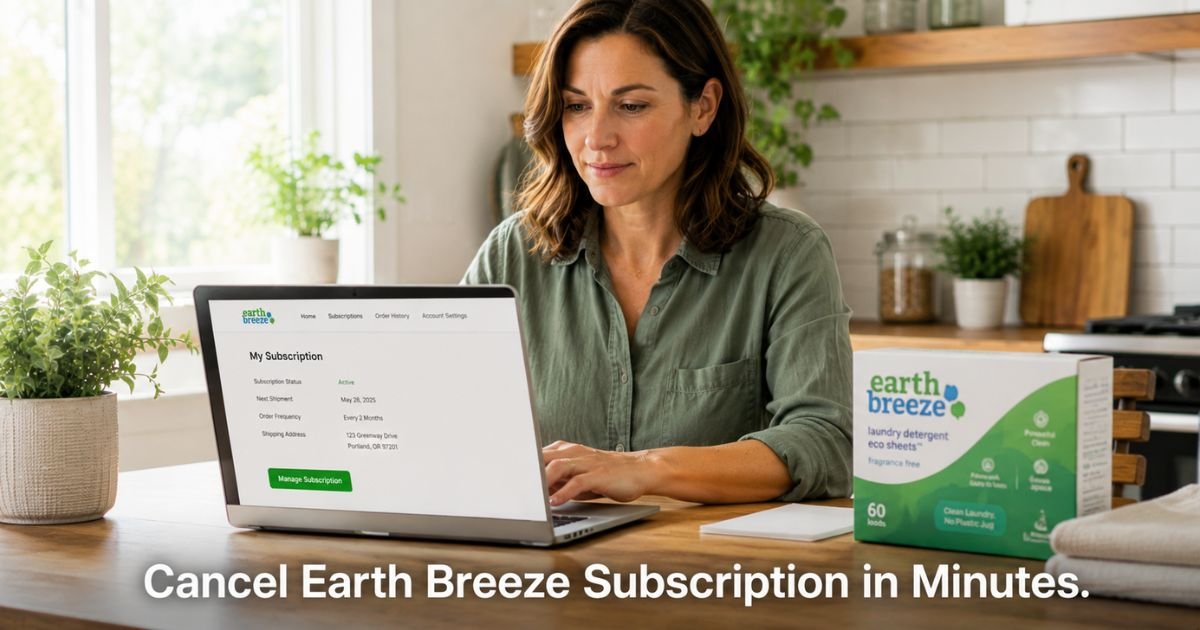
You signed up for Earth Breeze laundry sheets because the eco-friendly plastic-free option sounded perfect for your household. Now you are seeing recurring charges and wondering how to stop the next shipment.
Earth Breeze makes it easy to start a subscription, but many customers want to cancel or pause after trying the product. The good news is their system gives you full control through a simple online account.
You will learn exactly how the charges appear on your statement, the fastest way to cancel your Earth Breeze subscription, the important 48-hour timing rule, and what to do if you run into any issues.
Table of Contents
What Earth Breeze Charges Look Like on Your Statement
Earth Breeze charges usually appear under clear names on your credit or debit card statement. Look for one of these common descriptors:
- EARTH BREEZE
- EARTHBREEZE
- EARTH BREEZE LLC
- MYEARTHBREEZE or similar variations
The amount typically matches your chosen subscription plan and frequency.
Some customers also see a smaller initial charge if they started with a trial or first-box offer. Note the exact date and descriptor when you spot the charge. This detail helps if you need to contact support later.
How Earth Breeze Subscriptions Work
Earth Breeze sells their popular laundry detergent sheets mainly through a flexible subscription model. You choose how often you want deliveries and can customize scent, quantity, and shipping date.
The subscription automatically renews and ships on schedule unless you make changes. You can skip a shipment, pause for several months, or cancel completely at any time through your account. There are no cancellation fees.
The main catch is the timing rule: you must make changes at least 48 hours before your scheduled shipment date. Orders move into fulfillment quickly, sometimes within a few hours, so acting early matters.
How to Cancel Earth Breeze Subscription Online
The easiest and fastest way to cancel is through your self-service account. Here is exactly what to do:
- Go to earthbreeze.com and click Account in the top menu or footer.
- Enter the email address tied to your subscription.
- Request a secure login code (it arrives by email or text message).
- Enter the code to access your account dashboard.
- Click on Subscriptions in the menu.
- Find your active Earth Breeze subscription and select it.
- Choose the Cancel Subscription option and follow the prompts to confirm.
- Take a screenshot of the confirmation screen before leaving the page.
After you cancel, you should see a confirmation message and usually receive an email summary. Keep that email for your records.
What to Do If You Are Within 48 Hours of Shipment
If your next shipment is coming soon, the online cancel button may not stop it in time. In that case:
- Log into your account anyway and try to cancel or skip the order.
- Immediately email hello@earthbreeze.com with your account email, order details, and a clear request to cancel the upcoming shipment.
- Include a screenshot of your subscription page if possible.
- Ask for written confirmation that the shipment and future charges have been stopped.
Support usually responds quickly by email. They have a reputation for helping customers resolve these timing issues when contacted promptly.
After You Cancel: Confirmation and Next Steps
Once canceled, Earth Breeze stops future automatic shipments and charges. You keep any boxes already delivered. Monitor your statement for the next 30 days to make sure no new charges appear.
If you see another charge after canceling, reply to your confirmation email or send a new message to hello@earthbreeze.com with the confirmation details. Most issues resolve quickly when you have written proof.
Pro Tip: Right after canceling, go back into your account and check the Subscriptions section one more time. Make sure the status shows as canceled and not paused or active. A quick double-check now saves headaches later.
Common Mistake to Avoid
The biggest mistake customers make is waiting until the last minute to cancel. Because of the 48-hour rule and fast order processing, changes made too close to the ship date often result in one more unwanted box and charge. Always act at least two full days early and confirm in writing.
Online Account vs Email Support Compared
| Method | Best For | Speed | Confirmation | Notes |
|---|---|---|---|---|
| Online Self-Service Account | Most cancellations and pauses | Immediate | On-screen + email | Recommended first step; works 24/7 |
| Email (hello@earthbreeze.com) | Changes within 48 hours or login issues | Usually same day | Email reply | Use when timing is tight or you need extra help |
| Social Media Message | Quick questions | Varies | Direct message reply | Good backup but slower for cancellations |
Checklist After Canceling Your Earth Breeze Subscription
- Save the confirmation email and screenshot in a safe folder.
- Set a reminder to check your credit card statement in 30 days.
- If you ever want the product again, you can always place a one-time order instead of restarting a subscription.
- Consider using spending alerts on your card for any future subscription purchases.
FAQs: Earth Breeze Cancel Subscription
Q. Can I cancel my Earth Breeze subscription without calling customer service?
A. Yes. Earth Breeze designed their system for self-service. Log into your account at earthbreeze.com, go to the Subscriptions section, and cancel directly. Most people complete the process in just a few minutes without ever needing to contact support.
Q. What happens if I cancel my Earth Breeze subscription too close to my ship date?
A. If you cancel less than 48 hours before the scheduled shipment, the order may still process and ship. Contact hello@earthbreeze.com right away with your details and request they stop the shipment. They can often help even when the online button no longer works.
Q. Will I get charged again after I cancel my Earth Breeze subscription?
A. No new charges should appear once cancellation is confirmed. The company stops the automatic renewal. Keep your confirmation email and check your statement for the next billing cycle. If another charge shows up, reach out to support with your cancellation proof for a quick resolution.
Conclusion
Canceling your Earth Breeze subscription is straightforward when you use the online account and respect the 48-hour timing rule. Most customers finish the process in minutes and receive clear confirmation.
Take a few minutes today to log in and make the change if you no longer want the recurring deliveries. Once you have that written confirmation, you can relax knowing the charges will stop.
If anything feels unclear during the process, a quick email to their support team usually clears it up fast.
Disclaimer: This content is for informational and educational purposes only and does not constitute professional, financial, legal, or medical advice. The information provided may not apply to your specific situation. Always consult a qualified professional for personalized guidance.
Meet the Author
