
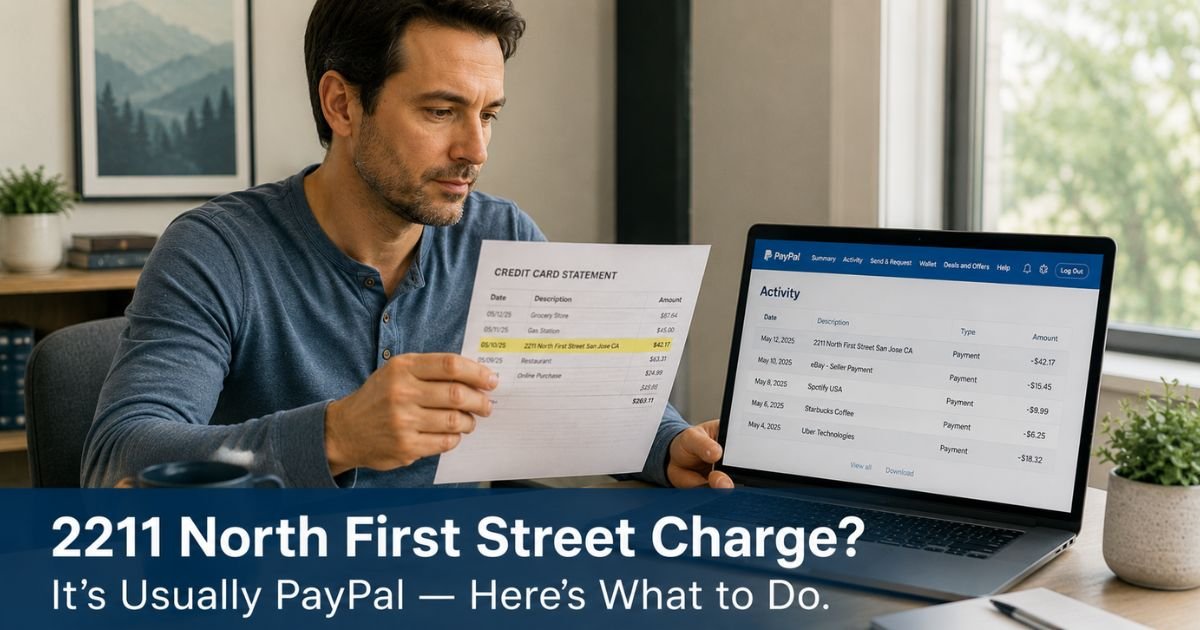
You open your credit card statement and spot a charge that reads “2211 North First Street San Jose CA” or a similar variation with that exact address. The amount might be familiar or completely unexpected, and the description gives no hint about what you actually bought.
A 2211 North First Street charge on credit card most often represents an online purchase, subscription, or payment made through PayPal or one of its services such as Venmo. It can also appear for eBay transactions or recurring payments that route through PayPal.
In few minutes you will learn exactly why this address shows up on statements, how to quickly match the charge to the real purchase, and the steps to take if the transaction does not look familiar.
Table of Contents
What a 2211 North First Street Charge on Credit Card Usually Means
The address 2211 North First Street, San Jose, CA 95131 is the longtime headquarters of PayPal, Inc.
When a merchant or website uses PayPal as the payment processor, the billing descriptor that appears on your credit card statement can default to PayPal’s corporate address rather than the name of the actual seller.
This happens for several common reasons:
- You checked out on a website using PayPal as the payment option.
- You made a purchase on eBay, where PayPal has long been the primary payment method.
- You have a recurring subscription or membership billed automatically through PayPal.
- You sent or received money through Venmo, which is owned by PayPal.
- PayPal processed a refund or a payment on your behalf.
Because the descriptor uses the headquarters address, many people do not immediately connect the charge to something they bought online. The amount and date usually provide the best clues once you check your PayPal activity.
Bottom line: A 2211 North First Street charge on credit card is almost always a legitimate PayPal-processed transaction rather than a random or fraudulent charge from an unknown company.
How to Verify the 2211 North First Street Charge
The quickest way to identify the charge is to log into your PayPal account at paypal.com.
Go to the Activity or Transactions section and look for the date and amount that matches your credit card statement. PayPal usually shows the exact merchant name, item description, and any reference numbers that link back to the original purchase.
If you do not have a PayPal account or cannot remember creating one, search your email inbox for messages from PayPal, eBay, or the merchant around the date of the charge.
Many websites send order confirmations that mention PayPal as the payment method.
You can also check your browser history or saved passwords for sites you visited recently. Sometimes a one-click checkout or a saved PayPal login makes the purchase easy to forget until the statement arrives.
If someone else in your household uses the card or has access to your PayPal account, ask them whether they made any online purchases or payments around that date.
A Real-Life Example
Marcus bought a set of wireless headphones from a smaller online retailer that offered PayPal checkout. He completed the purchase in under a minute and never created a full PayPal account. When the $89.99 charge appeared on his statement as “2211 NORTH FIRST STREET SAN JOSE CA,” he did not recognize it.
After logging into PayPal with the same email he used at checkout, he saw the exact transaction listed under the retailer’s name. The mystery was solved in less than five minutes, and he simply filed the receipt with his other online orders.
Pro Tip: After any online purchase that uses PayPal, forward the confirmation email to a dedicated folder labeled “Online Receipts.” This small habit makes it easy to match future statement charges without digging through your entire inbox.
What to Do If You Do Not Recognize the Charge
If your search through PayPal activity and email does not turn up a matching transaction, treat the charge as unrecognized and take action promptly.
Log into your PayPal account anyway and review all recent activity, including any payments sent to friends or family through Venmo. Sometimes a shared account or an authorized user created the charge without your immediate knowledge.
Contact PayPal support directly through the app or website. Provide the date and amount from your credit card statement. They can usually identify the merchant or payment details tied to that transaction.
If you still cannot find any record of the purchase in PayPal or your email, call the number on the back of your credit card.
Explain that you see a charge from 2211 North First Street San Jose CA that you do not recognize. Ask the representative to provide additional merchant details and request a dispute if the transaction appears unauthorized.
Monitor your account for any follow-up charges and consider temporarily freezing your card or setting stricter transaction alerts until the issue is resolved.
Common Mistake: Assuming every unfamiliar address descriptor must be fraud. Many legitimate PayPal charges use the headquarters address, so a quick check of your PayPal activity resolves most cases without a formal dispute.
2211 North First Street Charge: Common Scenarios and Next Steps
| Scenario | Typical Amount Range | Most Likely Cause | Recommended First Step |
|---|---|---|---|
| Single online purchase | $10 – $200+ | Website checkout using PayPal | Log into PayPal and search by date and amount |
| Recurring subscription | $5 – $50 per month | Auto-renewing service billed via PayPal | Check PayPal subscriptions or billing section |
| eBay or marketplace purchase | Varies | eBay transaction processed by PayPal | Search eBay purchase history |
| Venmo or peer-to-peer payment | Any amount | Money sent or received through Venmo | Review Venmo activity in the app |
| Completely unrecognized charge | Any amount | Possible shared account or error | Contact PayPal support, then card issuer if needed |
Amounts vary widely. Always verify the exact details in your PayPal account and credit card statement.
FAQs: 2211 North First Street Charge on Credit Card
Q. How do I find out exactly what I bought when I see a 2211 North First Street charge?
A. Log into your PayPal account and go to the Activity tab. Search by the date and dollar amount on your credit card statement. PayPal usually displays the merchant name, item description, and order number. You can also check your email for PayPal or eBay confirmations sent around the same date.
Q. Is a 2211 North First Street San Jose CA charge on my credit card fraud?
A. Most of the time it is not fraud. The address simply indicates that PayPal processed the payment. However, if you have no record of any PayPal activity or online purchase on that date, contact both PayPal and your card issuer right away to investigate and dispute the charge if necessary.
Q. Can I dispute a 2211 North First Street charge if I already received the item?
A. You can still dispute the charge with your card issuer if there is a problem with the item, such as it being defective, not as described, or never delivered. First try to resolve the issue directly with the seller through PayPal’s Resolution Center. If that does not work, your card issuer can help with a formal dispute.
Conclusion
A 2211 North First Street charge on credit card almost always means PayPal processed an online purchase, subscription, or payment on your behalf. Checking your PayPal activity by date and amount usually reveals the exact merchant and item in just a couple of minutes.
When the charge does not match anything you recognize, reach out to PayPal support first, then contact your card issuer if needed. Most issues are resolved quickly once you connect the address to your actual PayPal transactions.
Make it a habit to review new charges soon after they post and to keep confirmation emails from online purchases. Those small steps give you clear visibility into every charge and help you spot surprises before they become ongoing problems.
Disclaimer: The content on ExplainCharges.com is for informational and educational purposes only and does not constitute financial, legal, or professional advice. We are not affiliated with any companies or services mentioned. The information provided may not apply to your specific situation. If you suspect unauthorized charges or fraud, contact your bank or credit card issuer immediately. Always verify details directly with the source and consult a qualified professional if needed.
Meet the Author
