
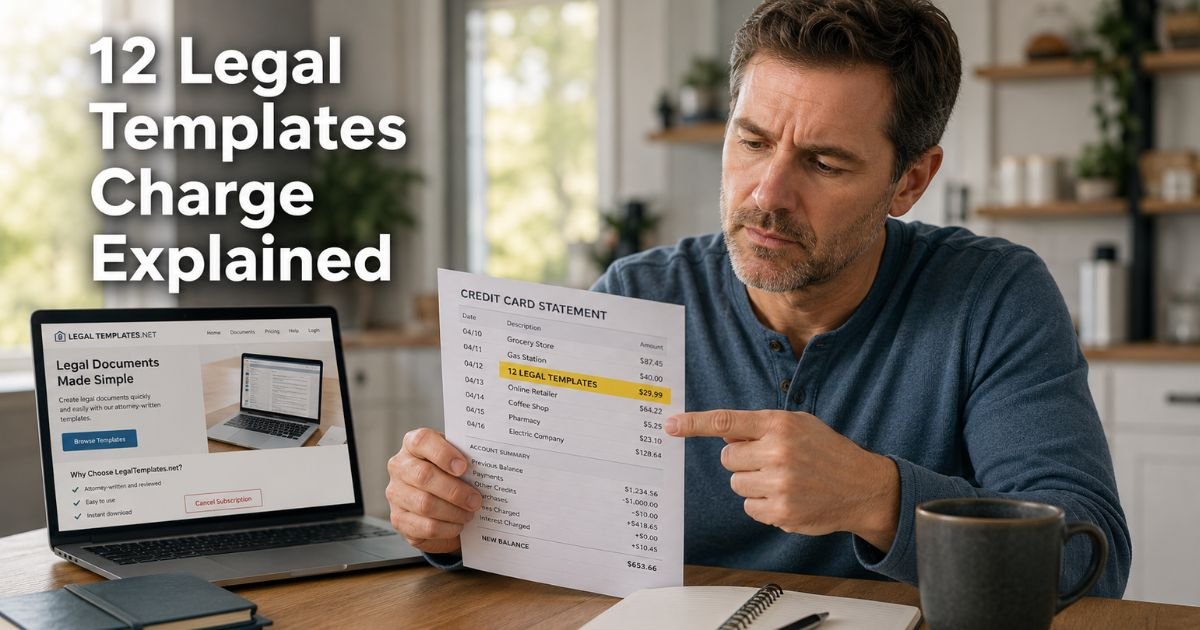
Seeing a 12 Legal Templates charge on credit card can feel confusing if you don’t recall signing up for anything. In many cases the line is a real form-site payment, not a random store.
This guide explains what the charge typically means, how it may appear, and the steps most people take to verify or cancel it.
Table of Contents
What Is a 12 Legal Templates Charge on Credit Card?
A 12 Legal Templates charge on credit card is typically a payment to an online legal-form service. The statement name is shortened. Your bank may print 12 LEGAL TEMPLATES or 12legaltemplates.net instead of the brand you remember clicking.
The most consistent match is Legal Templates, the document site behind legaltemplates.net. Cardholders and even company replies have said some charges show as 12legaltemplates.net.
Legal Templates LLC is a real U.S. form company. It sells state-specific templates such as leases, bills of sale, and simple contracts.
That does not mean every click was clear. Many people report they thought they were buying one form or starting a short trial. Then a larger monthly amount posted. Trustpilot also has a separate, unclaimed 12legaltemplates.net profile with a low score.
Some reviewers say they could not find an account on the better-known site. Start with the exact statement text and your email before you assume you have the right company.
These sites sell templates. They are not your lawyer. A downloaded form is not the same as legal advice for your case.
How the Charge Usually Appears
Issuers cut names to fit the line. Read every word, including .net or .com.
| Statement text | What it often points to |
|---|---|
| 12 LEGAL TEMPLATES | Short billing name for a form subscription |
| 12LEGALTEMPLATES.NET | Domain-style descriptor used on some cards |
| LEGALTEMPLATES.NET or LEGAL TEMPLATES | Same brand family, fuller name |
| About $39.95 or $49.95 | Amounts consumers often report after a trial |
| A tiny first charge, then a larger one a week later | Typical trial-then-plan pattern |
Current Legal Templates plan pages list more than one price path. Examples on official terms have included a small amount for about seven days of access, then a monthly plan until you cancel.
Other listed options include a yearly plan and a one-time single-document price. Those figures can change, so use your receipt, not a remembered ad.
A first tiny charge is often the trial. The bigger follow-up is usually the paid plan if the trial was not canceled in time.
Why You Might See This Charge
These are the usual reasons.
- You started a 7-day trial to download or edit a form.
- You finished a document, then the site asked for a card before the file would download.
- An authorized user used your card on a shared computer.
- The trial ended and the monthly plan began.
- You canceled after the renewal already processed.
- You used a look-alike site and the charge still printed as 12 Legal Templates.
Legal Templates’ own billing pages describe recurring access plans. Cancellation generally stops future renewals. It does not always reverse a charge that already posted. Official refund language on current pages covers a short money-back window on the first payment.
After that window, the same pages say sales are generally final except where law requires a fix or the company treats something as a billing error.
BBB files for Legal Templates, LLC show many billing complaints about trial wording and renewal timing. The company is BBB accredited and replies to a large share of those files.
Complaints mean you should read the checkout screen carefully. They do not prove every charge is fake.
How to Verify the Charge
Match the date and amount to a signup, not only to the words on the statement.
- Search email for Legal Templates, legaltemplates.net, 12legaltemplates, or “trial.”
- Check spam and the trash folder.
- Try signing in at the site named on the statement and at legaltemplates.net.
- Open billing, subscription, or order history.
- Ask anyone who shares your card or laptop.
- Compare the posted amount with the plan on your receipt.
If login fails, you may have used a different URL than the one you are trying now. Similar names are easy to mix up. Save screenshots of any account, error page, or receipt.
Pro Tip: Search your email for the exact dollar amount. That often finds the trial receipt faster than searching the brand name.
How to Cancel and Stop Future Charges
Cancel inside the account if you can log in. Do that before you delete the account or lock the card, when possible.
Typical in-account steps on Legal Templates help pages look like this:
- Sign in.
- Open your profile, settings, or subscription management area.
- Choose Cancel Subscription.
- Confirm and watch for an email.
- Screenshot the confirmation page and save the email.
Official cancellation pages say access may last until the end of the paid period. They also say cancellation does not, by itself, refund unused days.
If you want a first-payment refund, current Legal Templates refund pages say to ask within 7 days of that first payment through logged-in chat, a support ticket, or the support email printed on that site. After that window, the same pages treat most charges as final.
If you cannot log in:
- Use the contact or chat link on the exact site from your receipt.
- Do not send your full card number in email.
- Ask the merchant to cancel renewals and confirm in writing.
- Then remove the card from the account if a payment method screen exists.
Locking the card at your bank can block new attempts. It does not cancel the merchant account by itself. If the merchant keeps a token on file, ask your issuer about a merchant block after you cancel.
What to Do If You Do Not Recognize It
Stay calm and document first.
- Save the statement line, date, and amount.
- Try both look-alike sites only from bookmarks or typed addresses, not from pop-up ads.
- Ask household members.
- Request a written cancel and refund decision from the merchant.
- Call the number on the back of your card if you still cannot tie the charge to you.
If you never visited a form site, treat the charge as possible unauthorized use. Lock the card and ask for a replacement. Review other new merchants on the same days.
Credit cards have federal billing-error rights. Under the Fair Credit Billing Act, you generally have 60 days from the statement that first shows the charge to send a written billing-error notice.
Issuers typically acknowledge a written notice within 30 days and resolve it within two billing cycles, not more than 90 days. Ask your issuer for the disputes address on your statement.
Debit cards follow different electronic-transfer rules. Report those quickly. Results vary by bank.
Do not promise yourself a refund the merchant’s policy does not offer. A template you already downloaded can also weaken a “I got nothing” claim. Keep the cancel email anyway.
Common Mistakes: Calling Legal Templates about an account that was created on a different URL. Waiting past the 7-day first-payment window, then past the 60-day card dispute window. Deleting the account before you cancel billing. Assuming “free form” ads cannot start a paid plan.
FAQs: 12 Legal Templates Charge on Credit Card
Q. What does a 12 Legal Templates charge on credit card mean?
A. It typically means an online legal-form service billed your card. Many of those lines trace to Legal Templates at legaltemplates.net, and some statements print 12legaltemplates.net instead. The amount is often a trial conversion or a monthly plan. Confirm with your email and account history.
Q. Is 12 Legal Templates a scam?
A. Legal Templates is a real form company with a long-running site, BBB accreditation, and published cancel and refund pages. A real company can still bill in a way that feels unclear. Trustpilot also has a low-rated, unclaimed 12legaltemplates.net profile. Match your receipt to the right site. If you never signed up, contact your issuer.
Q. How do I cancel 12 Legal Templates?
A. Sign in on the site from your receipt. Open subscription or billing settings and cancel. Save the confirmation email. If you cannot log in, use that site’s support chat or the support email on its contact page, then tell your card issuer to watch for more attempts.
Q. Can I get a refund for a 12 Legal Templates charge?
A. Current Legal Templates pages describe a 7-day money-back window on the first payment if you ask through their listed support paths. After that, they generally treat sales as final except for billing errors or where law requires a remedy. Your card issuer is a separate path under federal billing-error rules. Neither path is a guaranteed refund.
Conclusion
A 12 Legal Templates charge on credit card usually comes from a legal-form trial or subscription, not from a courthouse or a law firm. The label is often a short version of Legal Templates billing. Similar site names cause extra confusion, so verify the URL on your receipt.
Check email, cancel inside the account, and keep written proof. Use the merchant’s first-payment window if you still qualify. Use your issuer if the charge does not belong to you or renewals continue after cancel.
Disclaimer: This article is for general information only. It is not financial, legal, or tax advice. Form sites are not a substitute for a lawyer. Prices, trial terms, and refund rules vary by plan and can change. Confirm details in your own account and with your bank or card company.
Meet the Author
